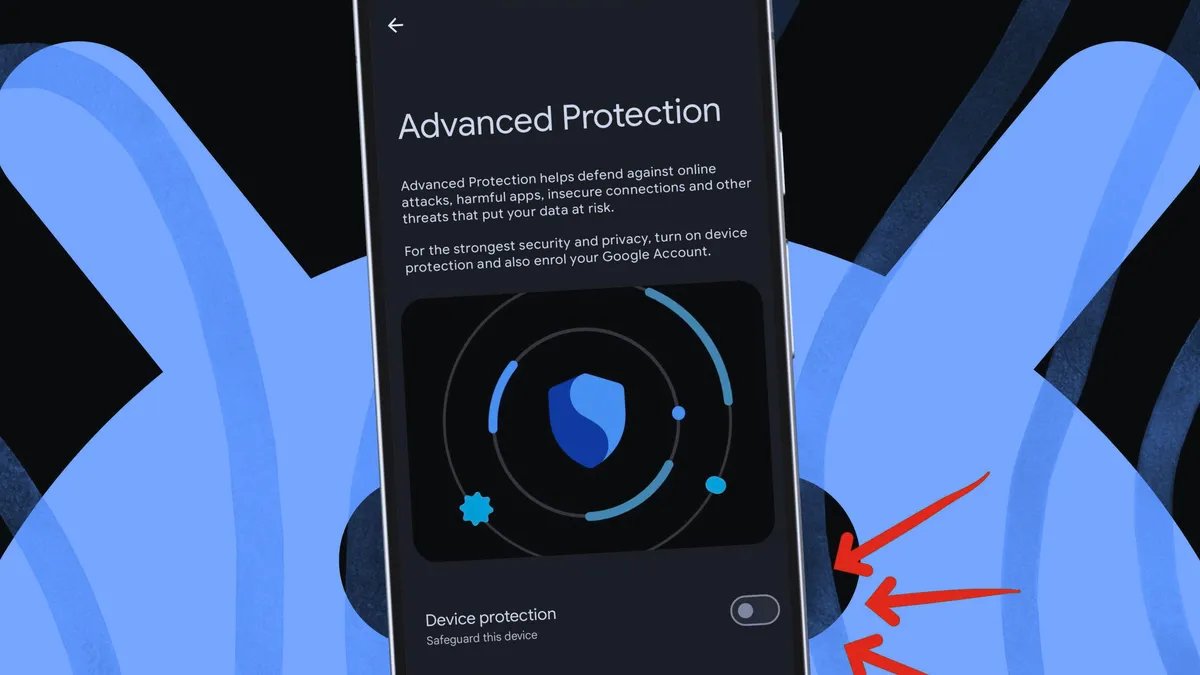
What is Advanced Protection on Android?
Advanced Protection groups several security settings across six different categories and puts them behind a single switch. Turning that switch on locks the features so they cannot be disabled individually, and it activates additional protections.
Also: 6 underrated Android features that are seriously useful (and how they've made my life easier)
Here's what it does, specifically, on your device, according to Google:
Apps
Device safety
Messages
- Spam and scam protection: Filters and flags harmful texts.
- Unsafe links: Warns about suspicious links from unknown senders.
Network
- 2G network protection: Prevents your phone from connecting to insecure 2G networks (on supported devices).
Phone
Web
- Safe browsing: Blocks phishing and malicious websites.
- Chrome HTTPS enforcement: Forces HTTPS whenever possible.
- JavaScript protections: Disables Chrome's JavaScript optimizer to reduce attack risks.
Why isn't Advanced Protection enabled by default?
Some aspects, such as blocking sideloaded apps or automatically screening calls, may cause issues for certain users. So it's optional, even though it offers stronger security.
Does Advanced Protection block sideloaded apps?
Yes. It blocks installations from unknown sources — so you can't sideload apps outside the Play Store while it's enabled.
Will Advanced Protection slow down my phone?
You won't notice much difference. The biggest trade-offs are losing the ability to sideload apps and occasional issues with spam and call screening.
What exactly happens if my phone is stolen?
If your phone is stolen, Advanced Protection helps. It includes Theft Detection Lock, which automatically locks your phone if it's grabbed from your hand or moved suddenly. It also includes Offline Device Lock, which locks the device when it loses connection, and Inactivity Reboot, which forces a reboot if the phone stays locked for 72 hours.
Do I need Google Account Advanced Protection?
Separate from the device toggle, Google Account Advanced Protection secures your online account (Gmail, Drive, Docs, and more).
Also: This Android trick lets me access my phone faster – here's how it works
It's an opt-in program that requires stronger sign-in methods, such as passkeys or physical security keys, and limits third-party access to your data. Unlike Android's Advanced Protection, which focuses on your phone and local data, this program protects your online account and data in the cloud. For the highest level of security, especially if you're at high risk, both are worth enabling.